If, in the Approver tab, the Approver icon is marked with a "?", this mean that Invoice Approver and/or Field Ticket Approver is active for your Trading Partner, but an Approver needs to selected.

- Go to the Shipment tab of the Invoice form.
- Go to the Approver area to the right of the tab.
- Click the magnifying glass button to the right of the Approver field.

The Select Approver pop-up will be displayed.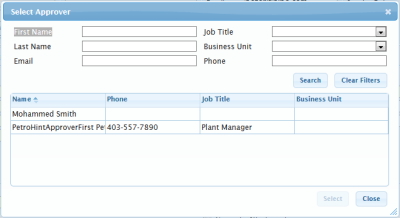
- Locate the required approver either by searching or from the list.
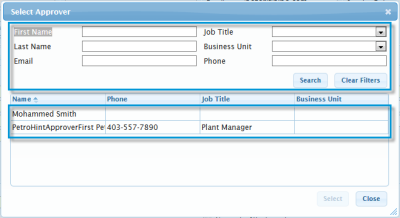
- Click Select.
The Approver icon will now display without the "?".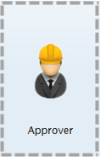
|
NOTE |
Validation requirements, status updates, workflows, and available fields and features may vary depending on your Trading Partner. For details on each Trading Partner's requirements and workflow, see their Quick Reference sheet. |